Tailscale guide
Serve Valdis over Tailscale
Install the standalone Tailscale build, register both your Mac (host) and iPhone (client) on the same tailnet, and use Serve with HTTPS (MagicDNS required).
Download Tailscale for macOSRegister Mac + iPhone before starting.
macOS host setup
Start the local Valdis server, enable CLI integration, then approve Serve over HTTPS.
- Install the standalone Tailscale pkg for macOS and sign in. Ensure both Mac and iPhone are in the same tailnet.
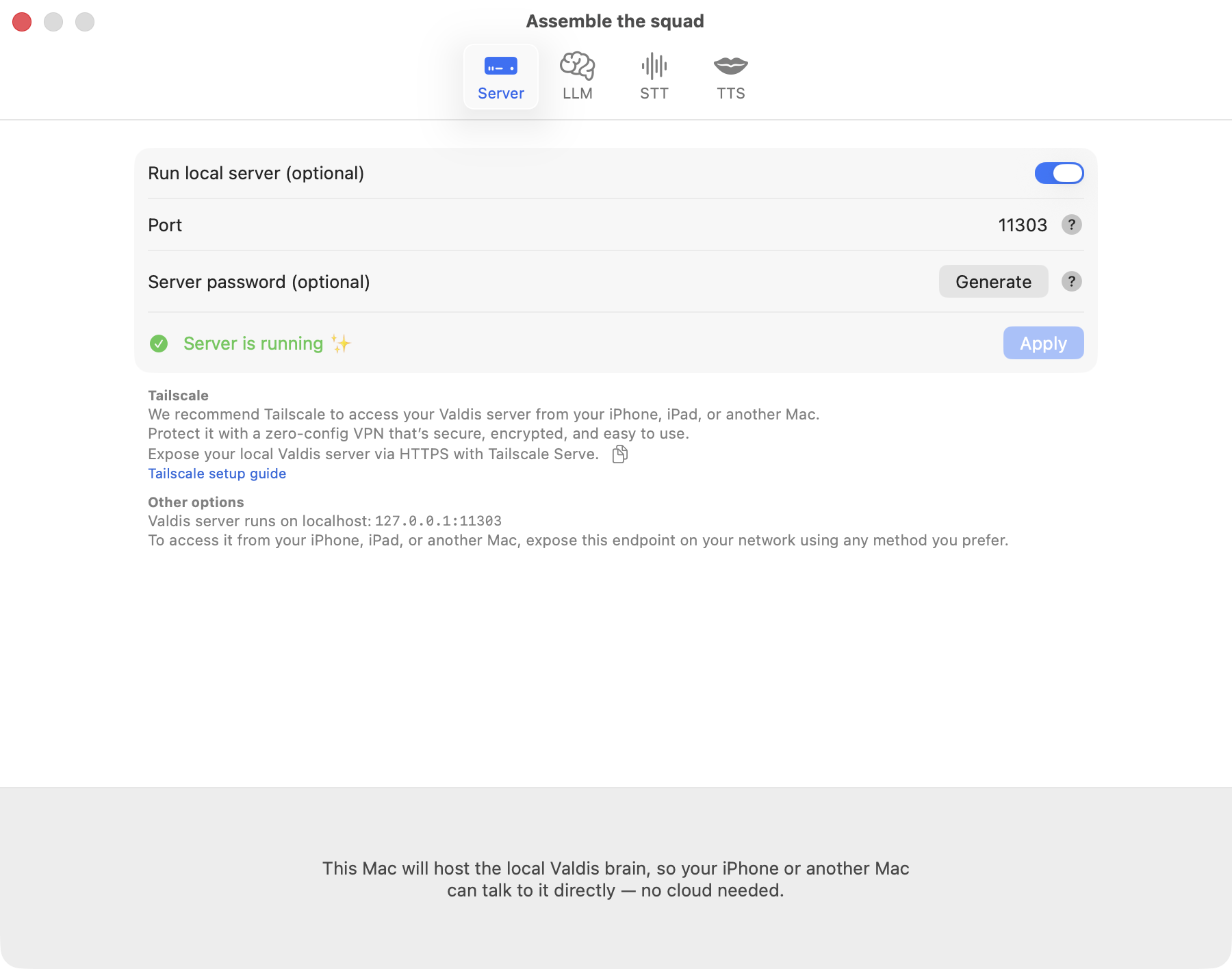
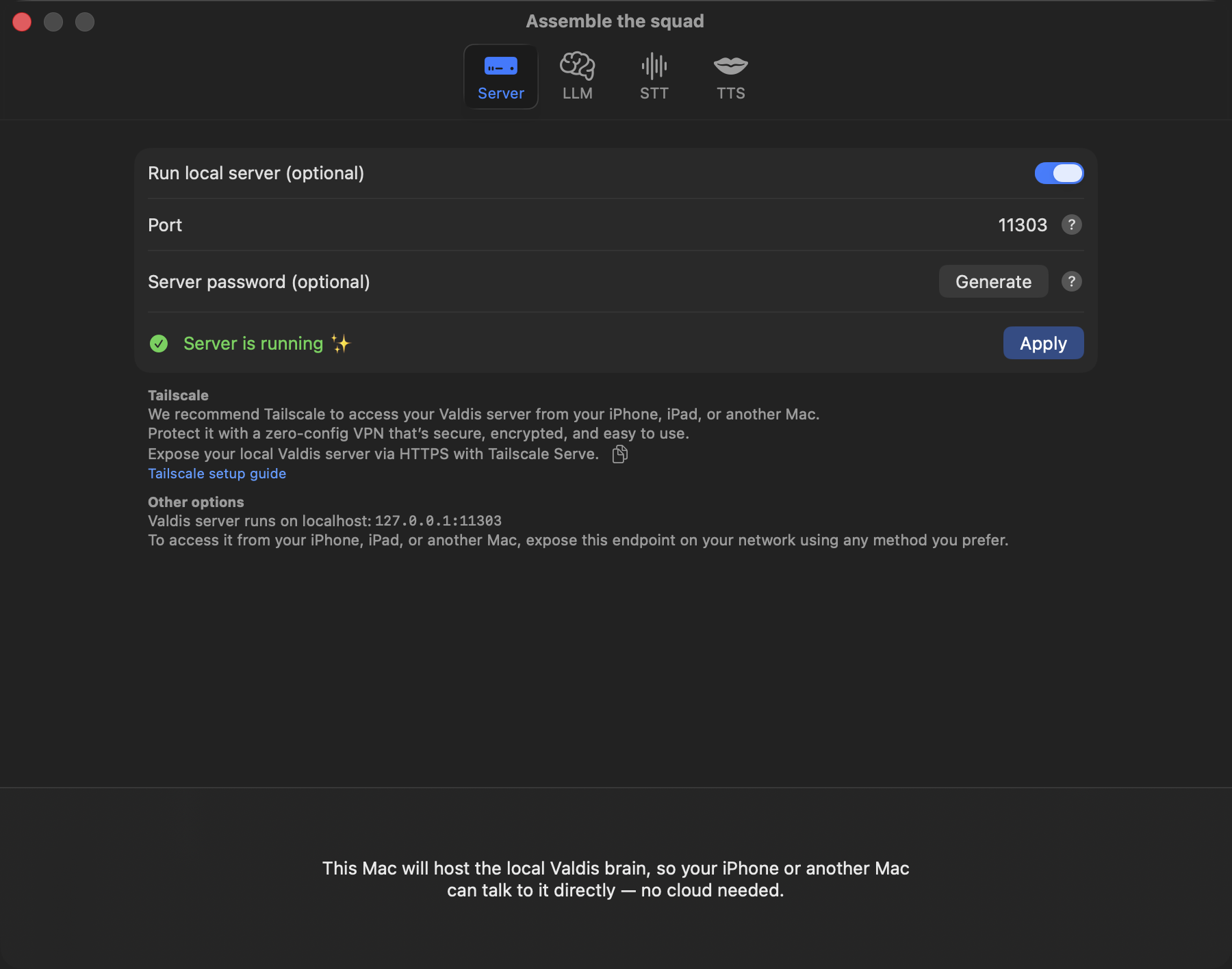
- In Valdis, toggle the local server on, keep the default port 11303, and optionally set a Server password for extra protection.
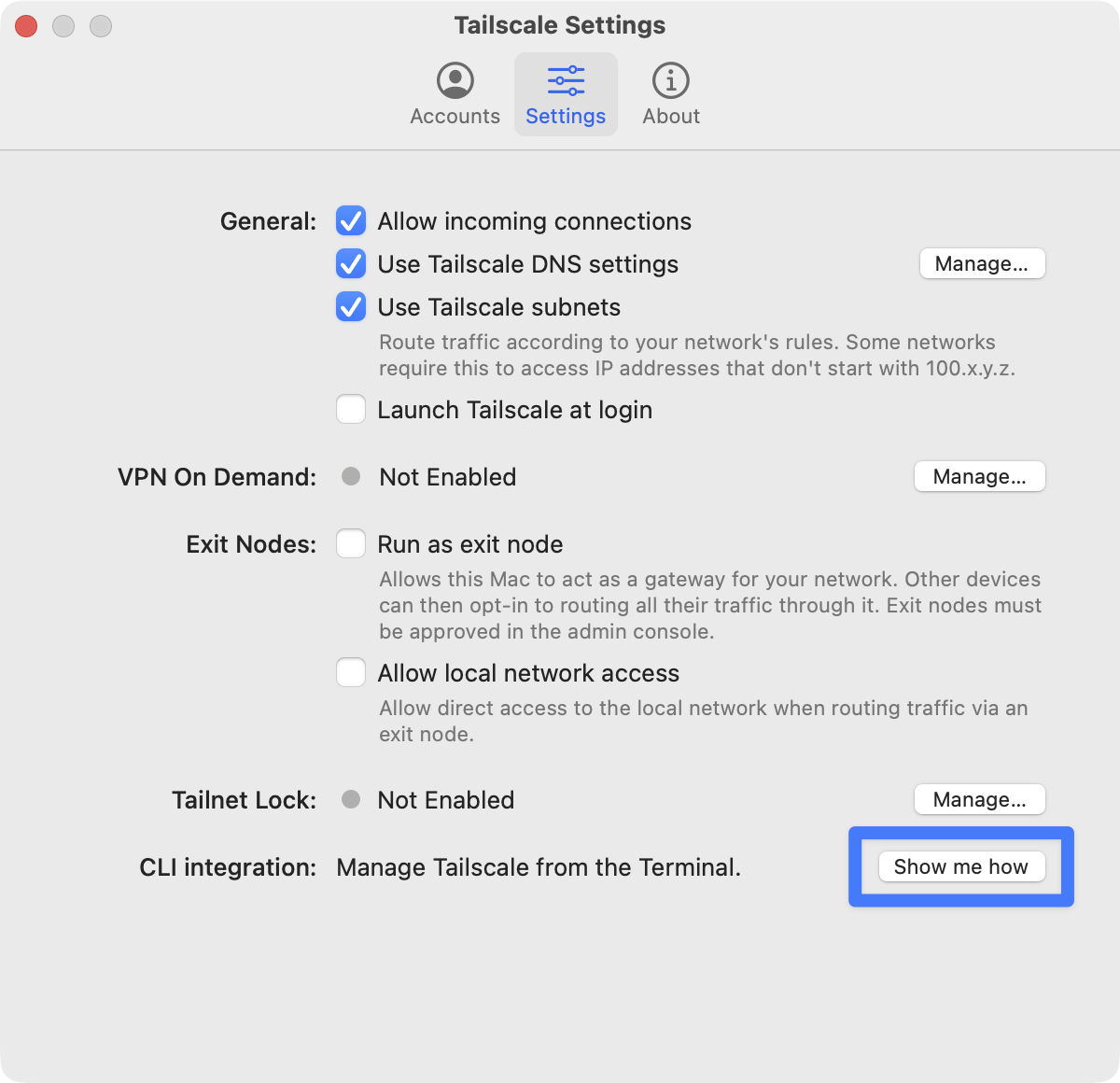
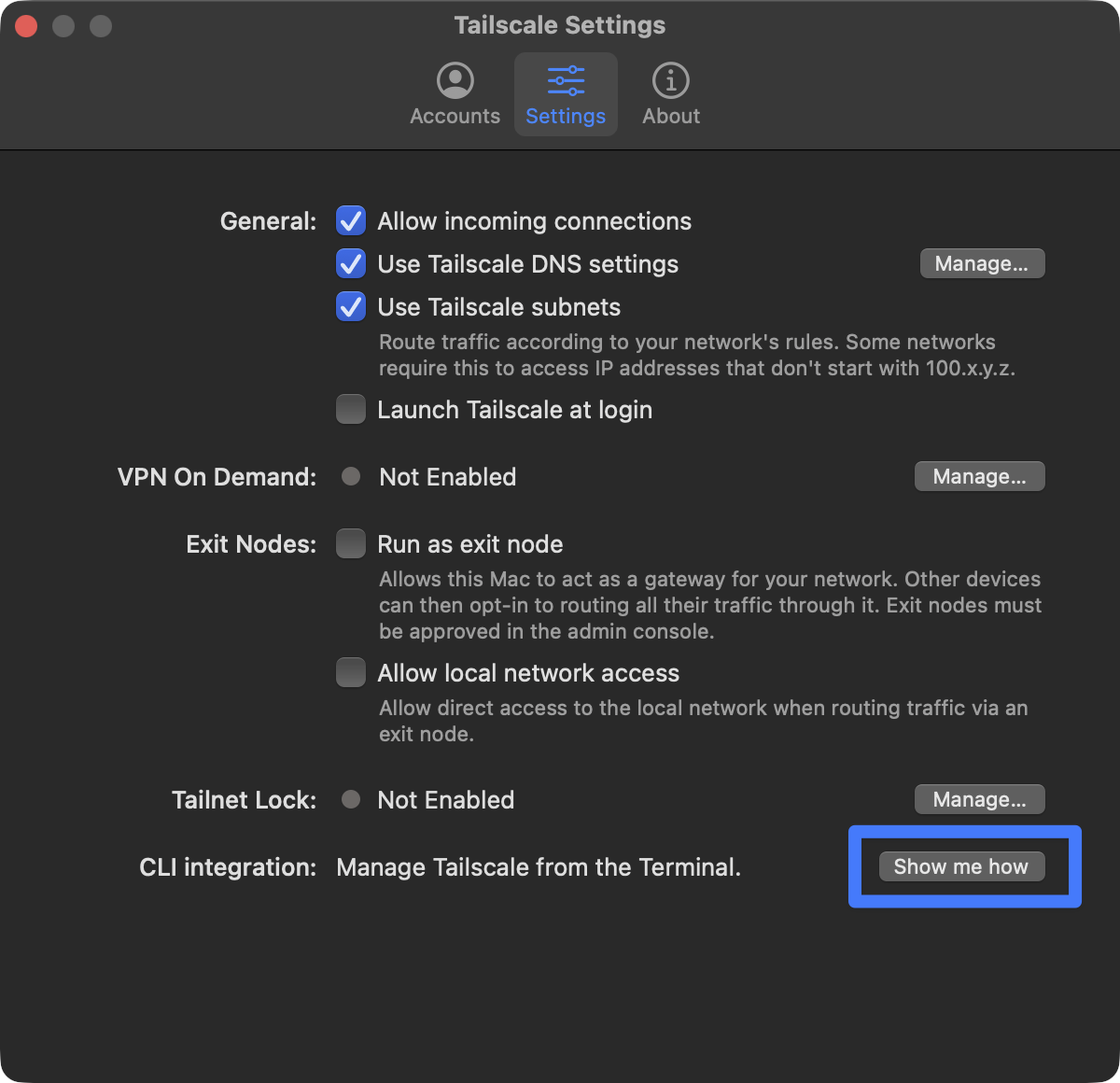
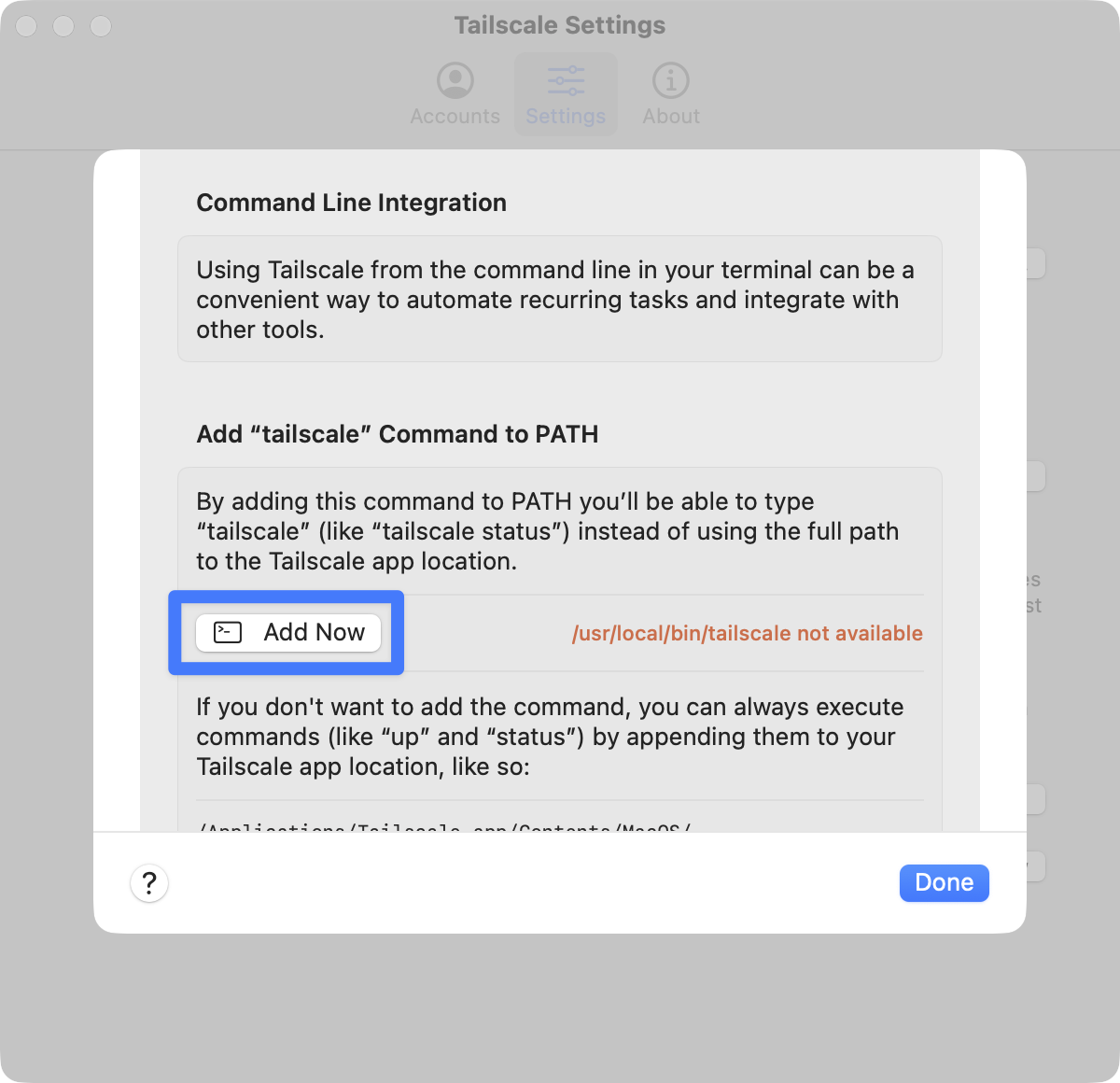
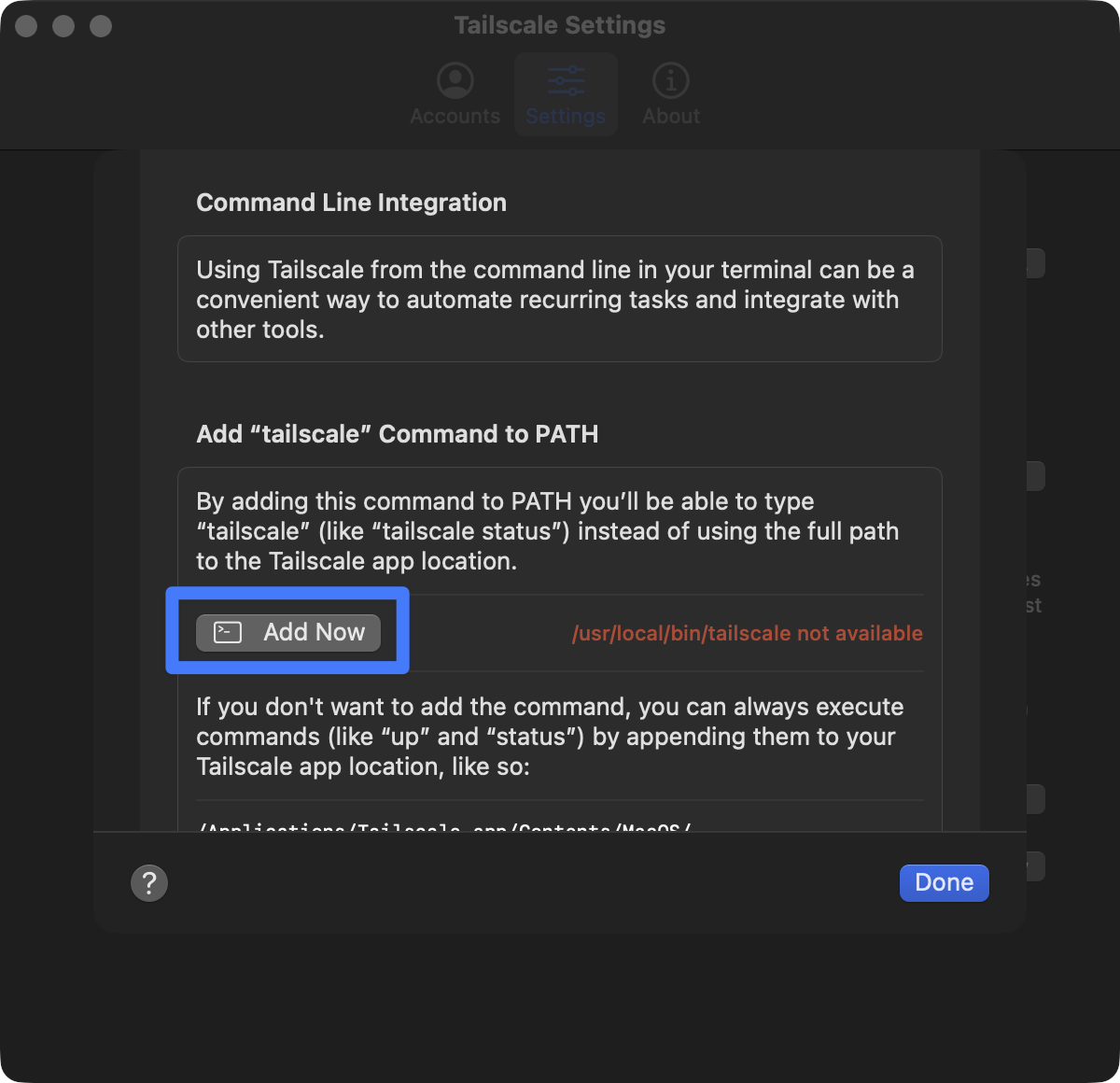
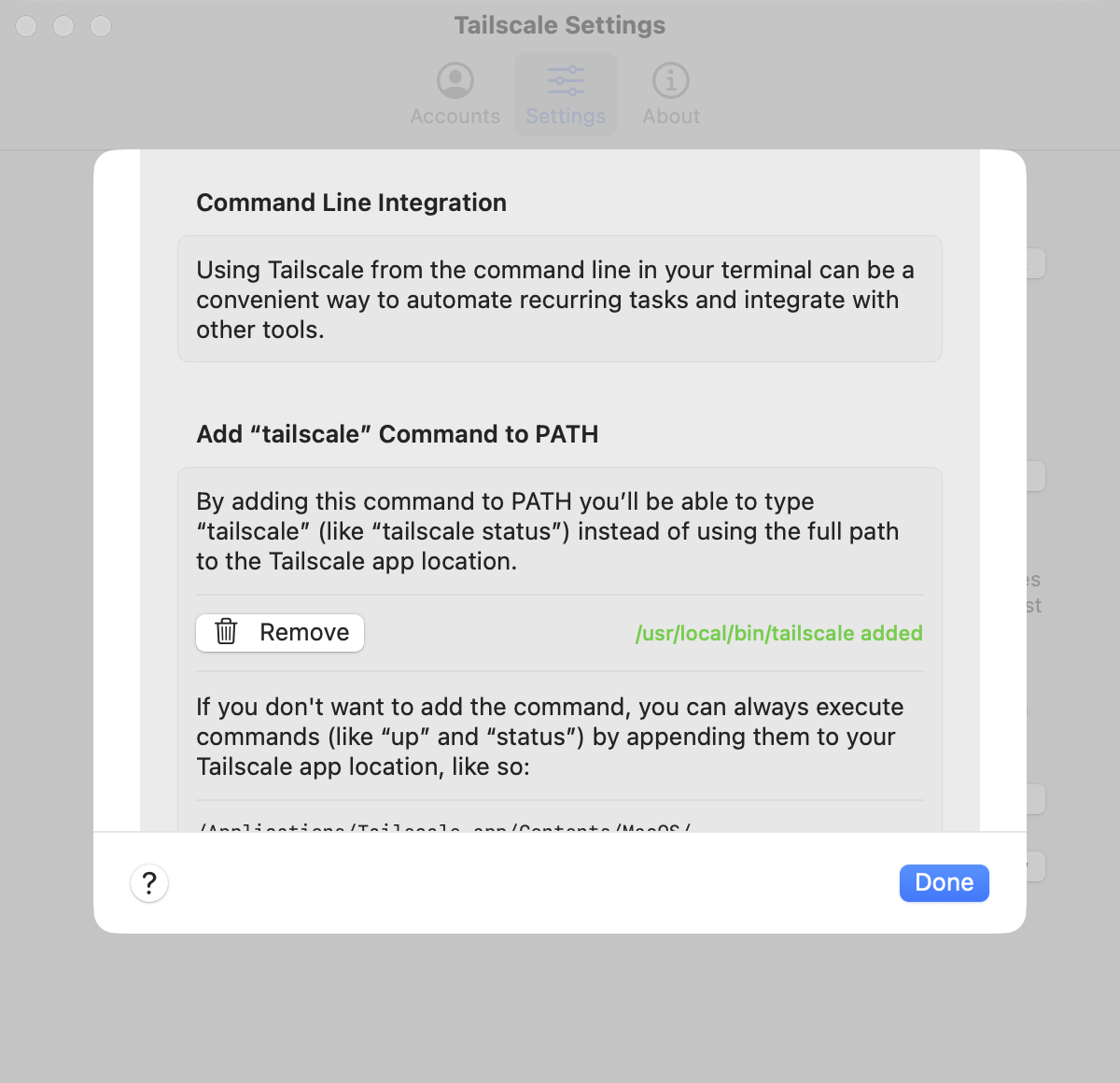
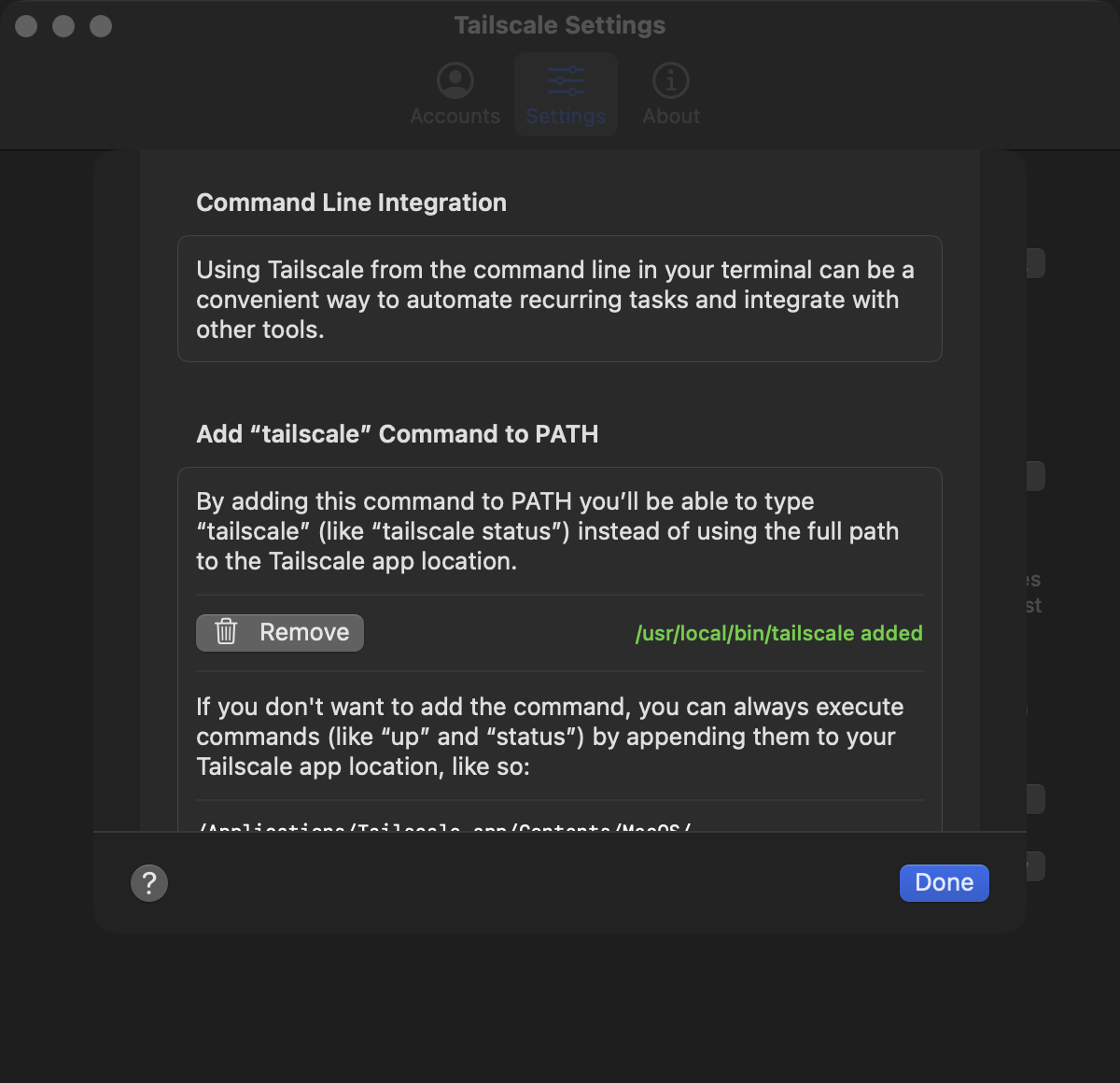
- Enable CLI integration so
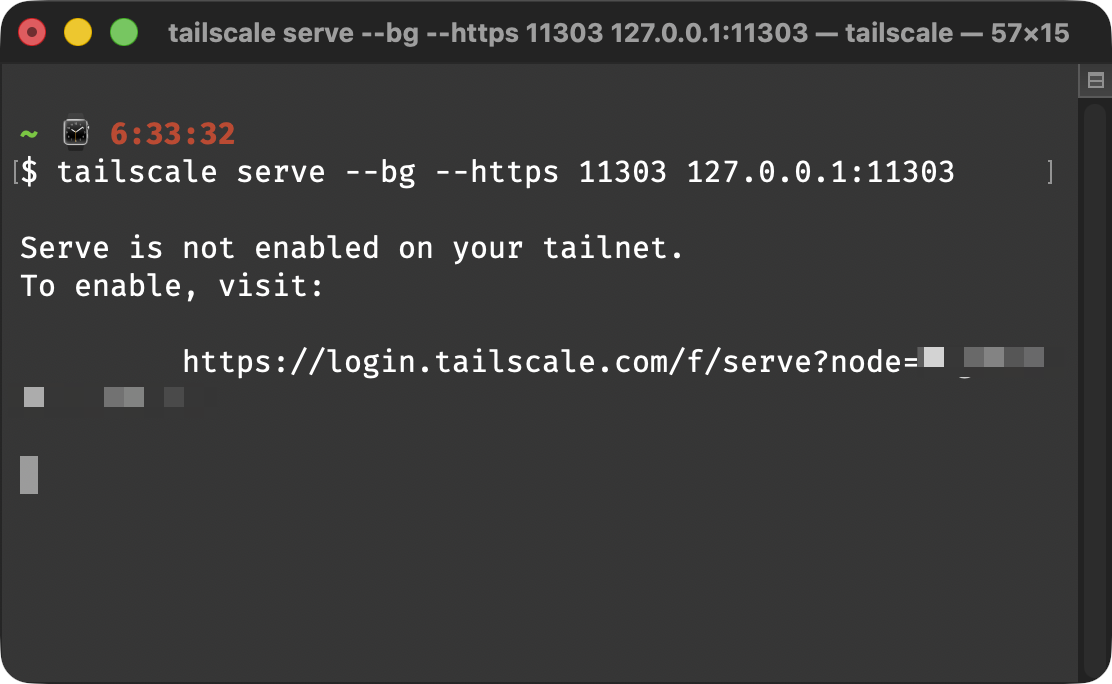
tailscaleis onPATH: Tailscale Settings → CLI integration → “Add Now”. - Run Serve from the terminal (MagicDNS + HTTPS):zsh
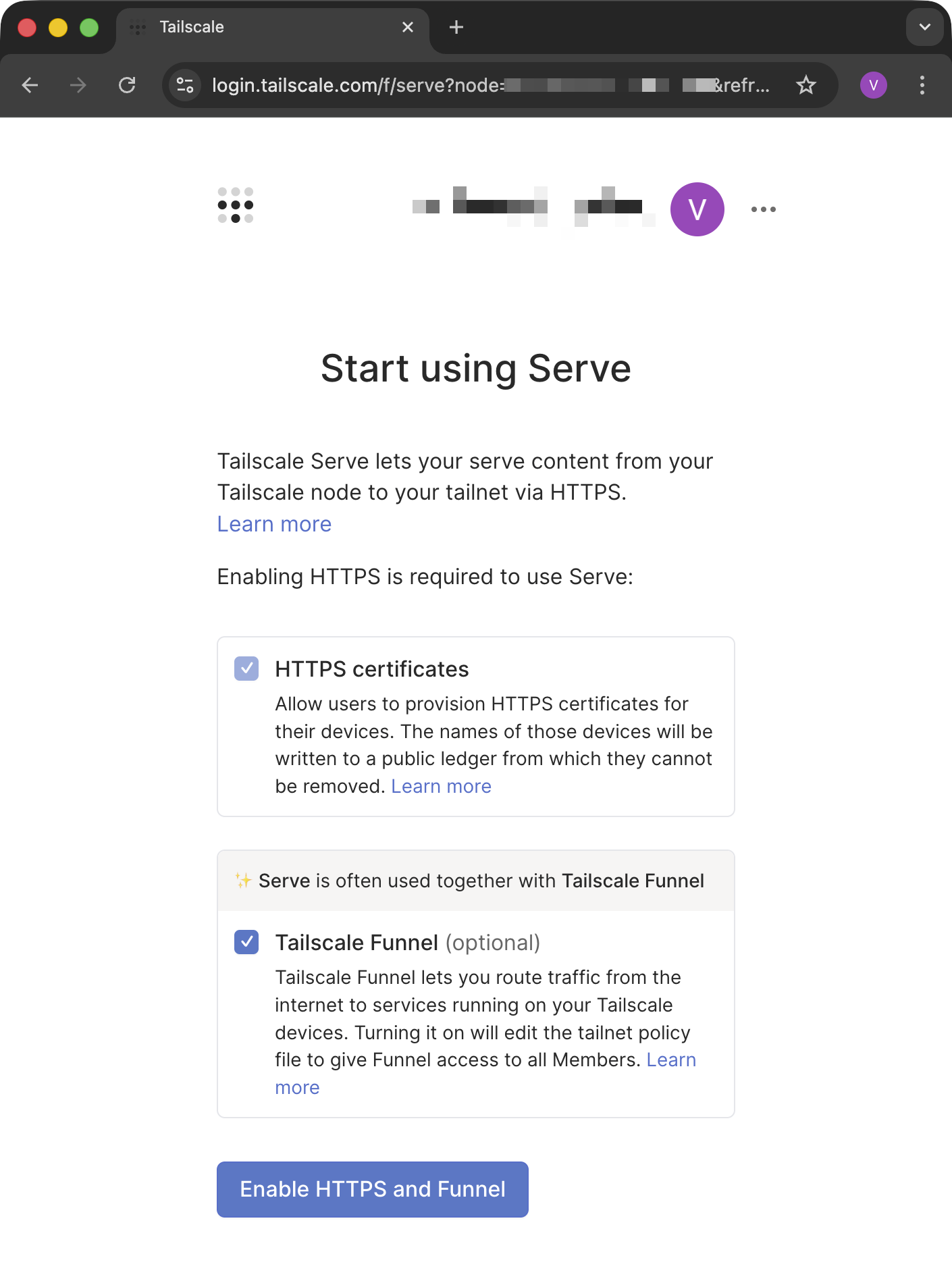
- If Serve is not enabled yet, open the auth link printed in the terminal and click “Enable HTTPS and Funnel” (Funnel optional).
- Keep Serve running; Valdis (including its WebSocket server) stays reachable at the HTTPS URL Tailscale issues for this node.
macOS
macOS flow
Valdis server toggle → CLI integration → Serve enablement.
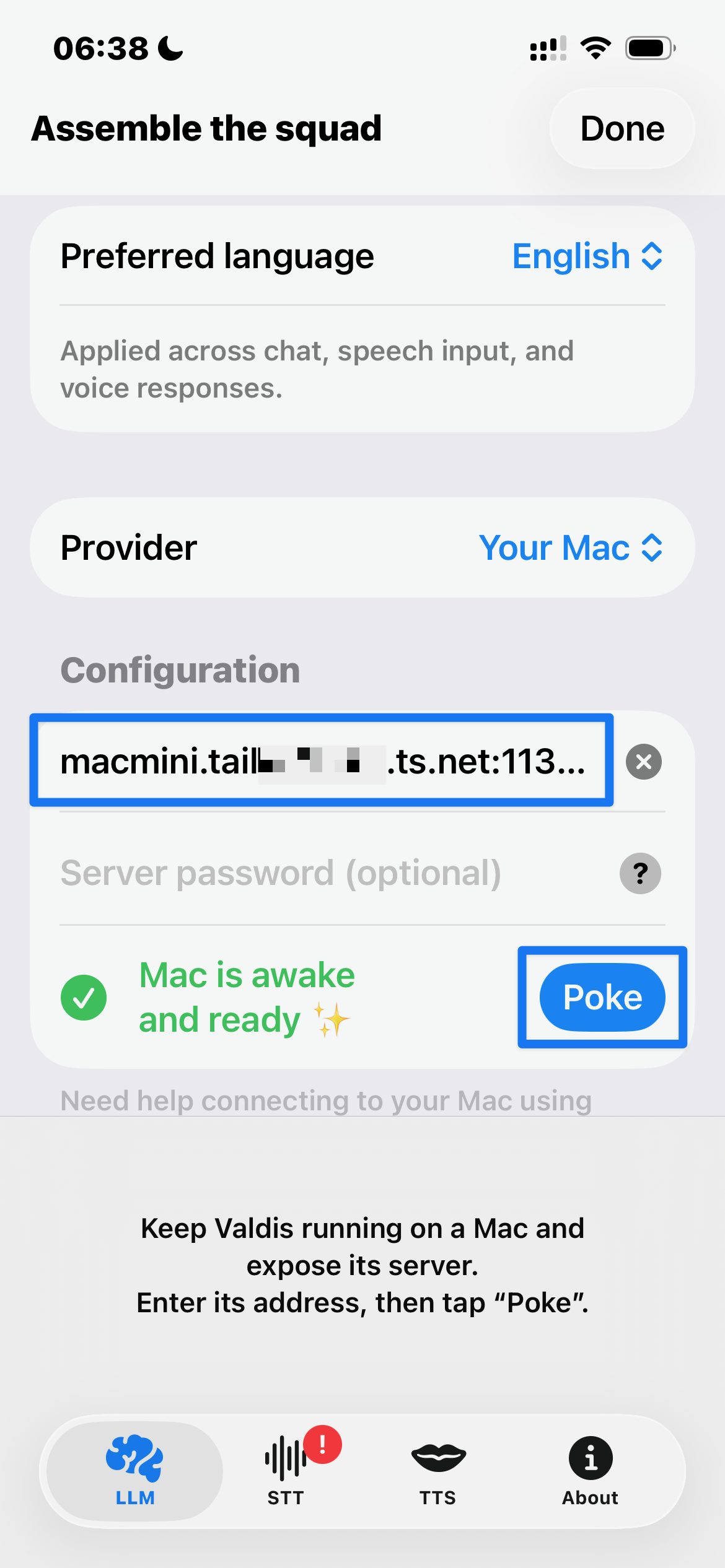
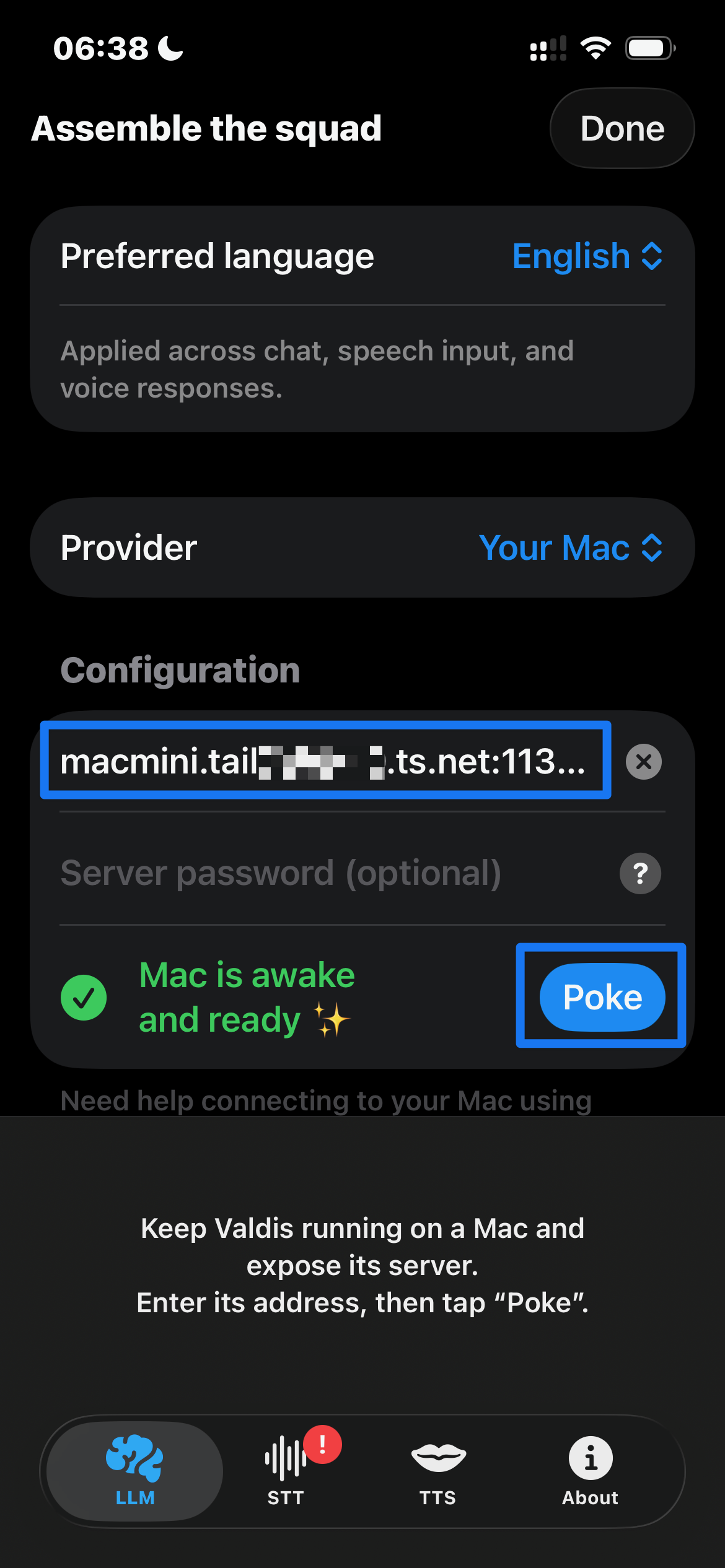
iOS client setup
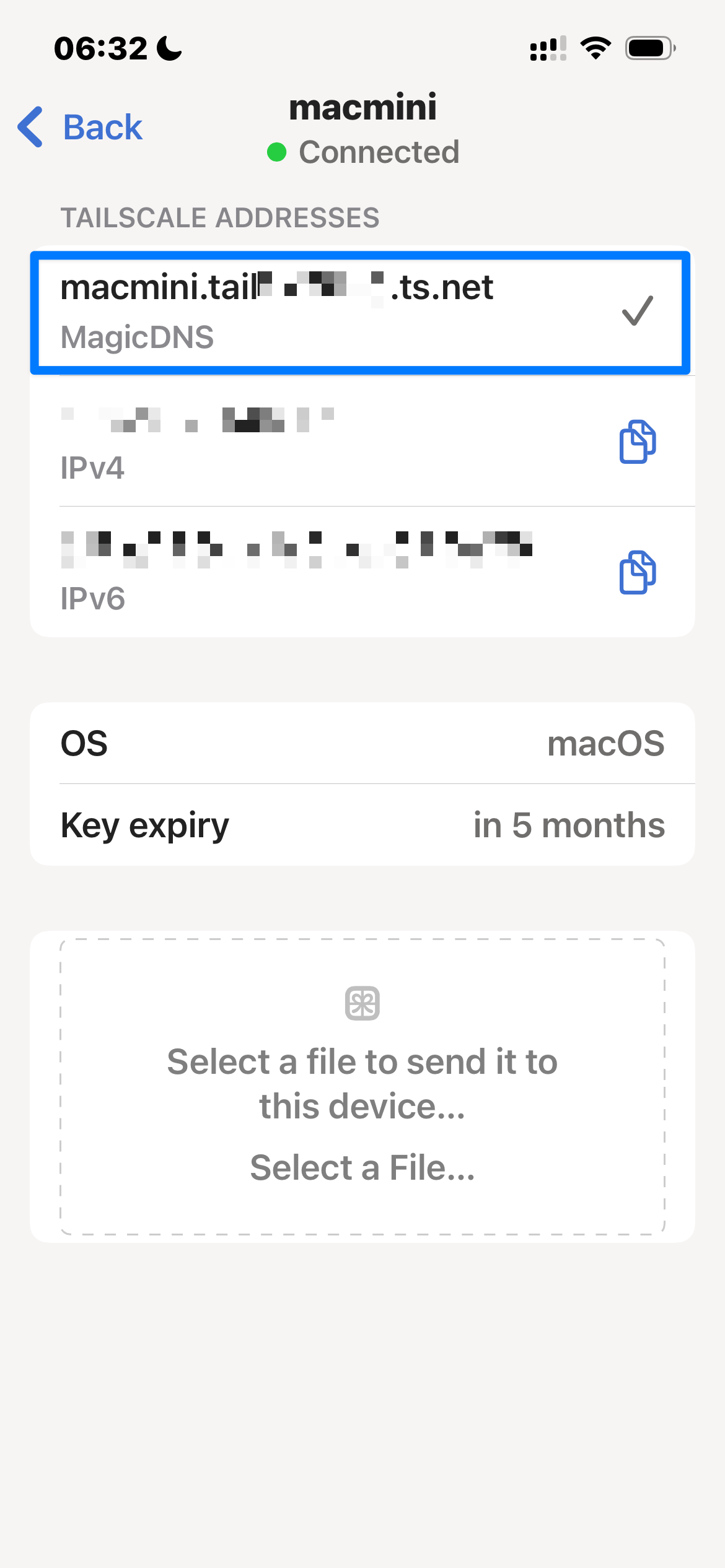
MagicDNS is mandatory: raw IPs will fail HTTPS. Confirm the Mac node is online before wiring the provider.
- Install Tailscale from the App Store and sign in with the same account.
- Join the same tailnet and confirm the Mac is online.
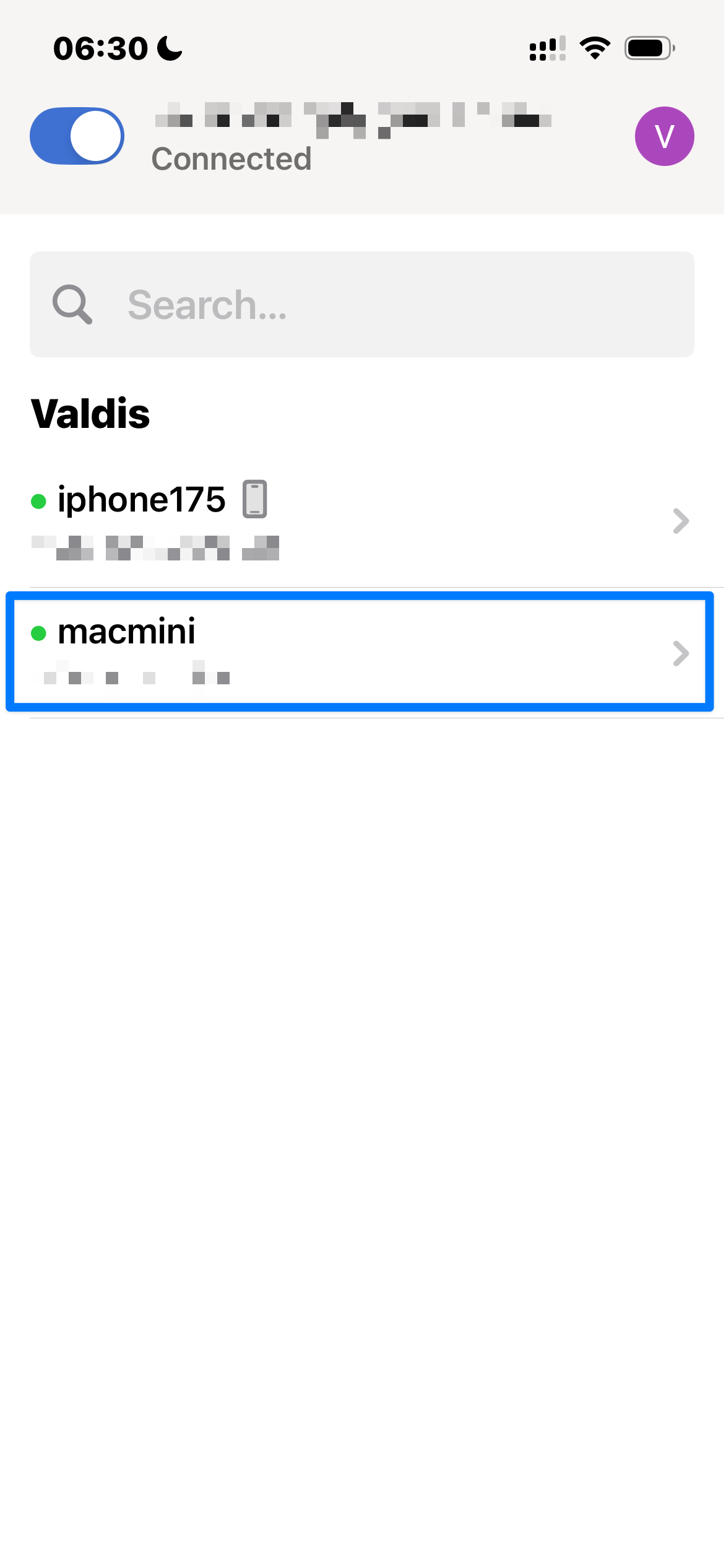
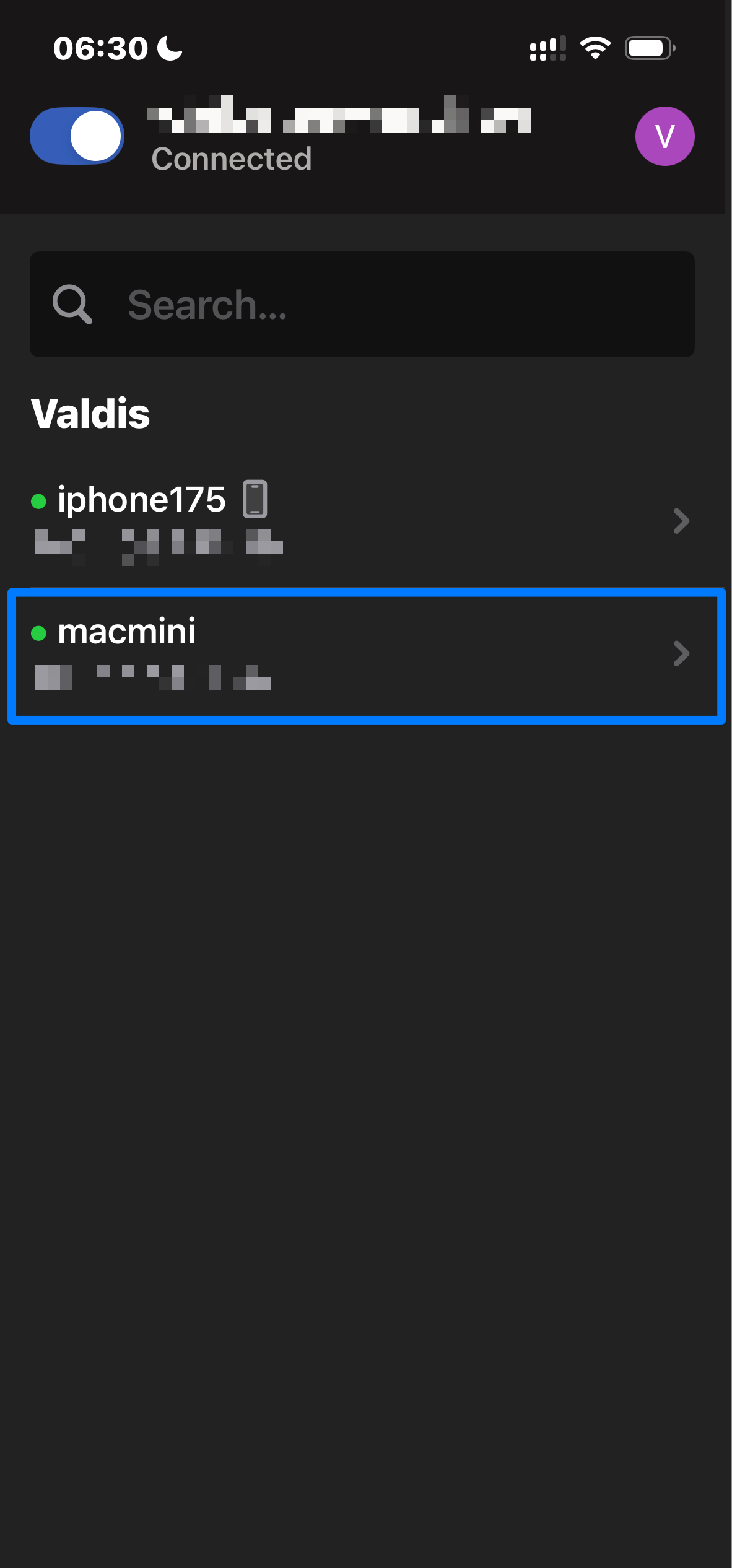
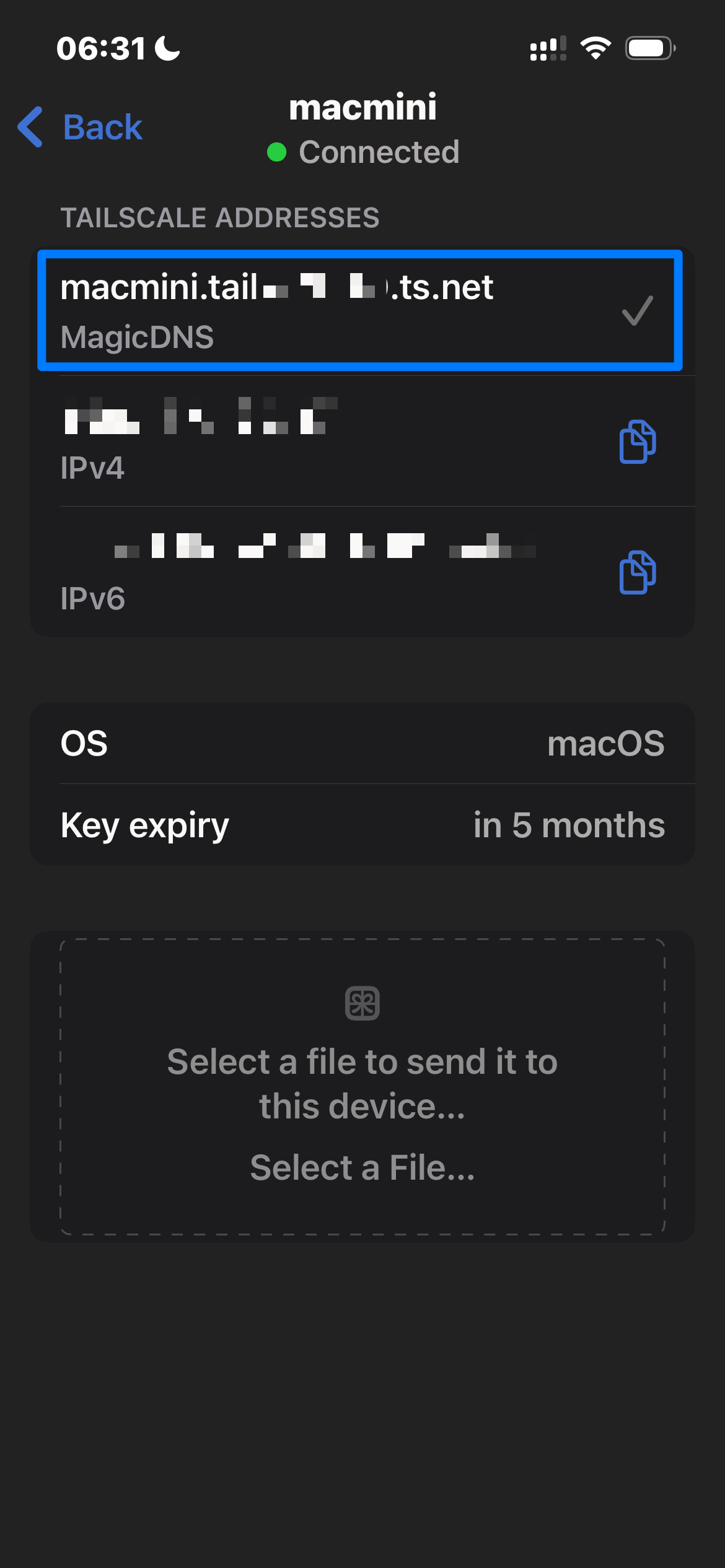
- Copy the Mac’s MagicDNS name from the device list (do not use raw IPs).
- Copy the HTTPS Serve endpoint from the Mac node (MagicDNS-only) and paste it into Valdis on iOS when adding the provider.
- Connect; the HTTPS Serve endpoint should load via MagicDNS.
iOS
iOS flow
Pick the Mac node, copy the MagicDNS Serve endpoint, paste it into Valdis.