
Valdis at a glance
Mac-hosted AI, with iPhone in your pocket.
iOS
Native iOS app.


Walk & Talk
Talk to your Mac-hosted Ollama or LM Studio while you’re out — from your iPhone, with nearby awareness built in.
Voice chat
Speak naturally (on-device STT via WhisperKit) and get answers back — hands-free.
Spoken replies
Natural spoken replies for when you don’t want to stare at a screen.
Image input
Send pictures from camera, Photos, files, paste, or drag-and-drop right into chat.
Nearby context
Ask what’s interesting nearby and get location-aware suggestions based on where you are, the current date, and time.
3D avatars
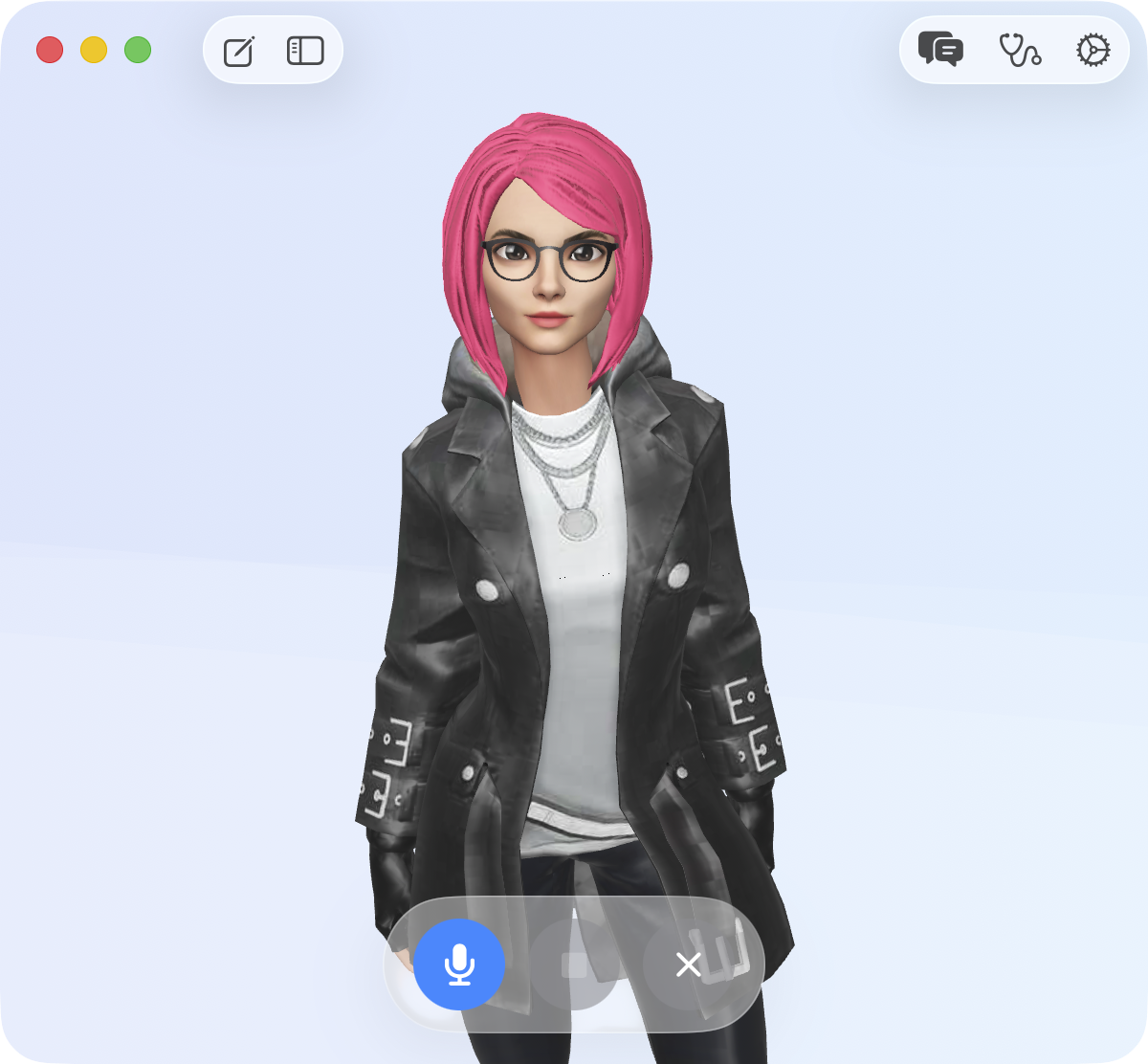
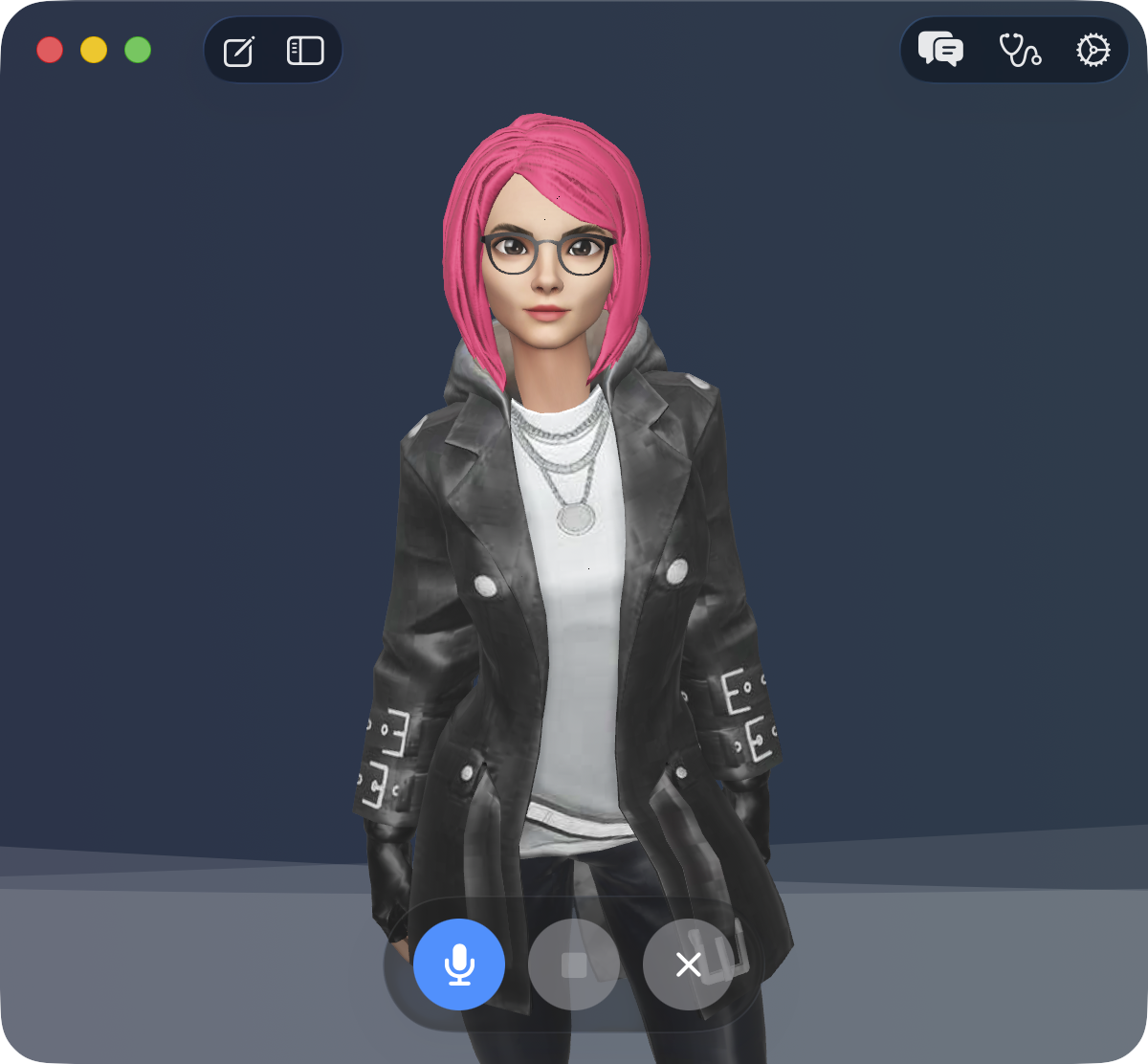
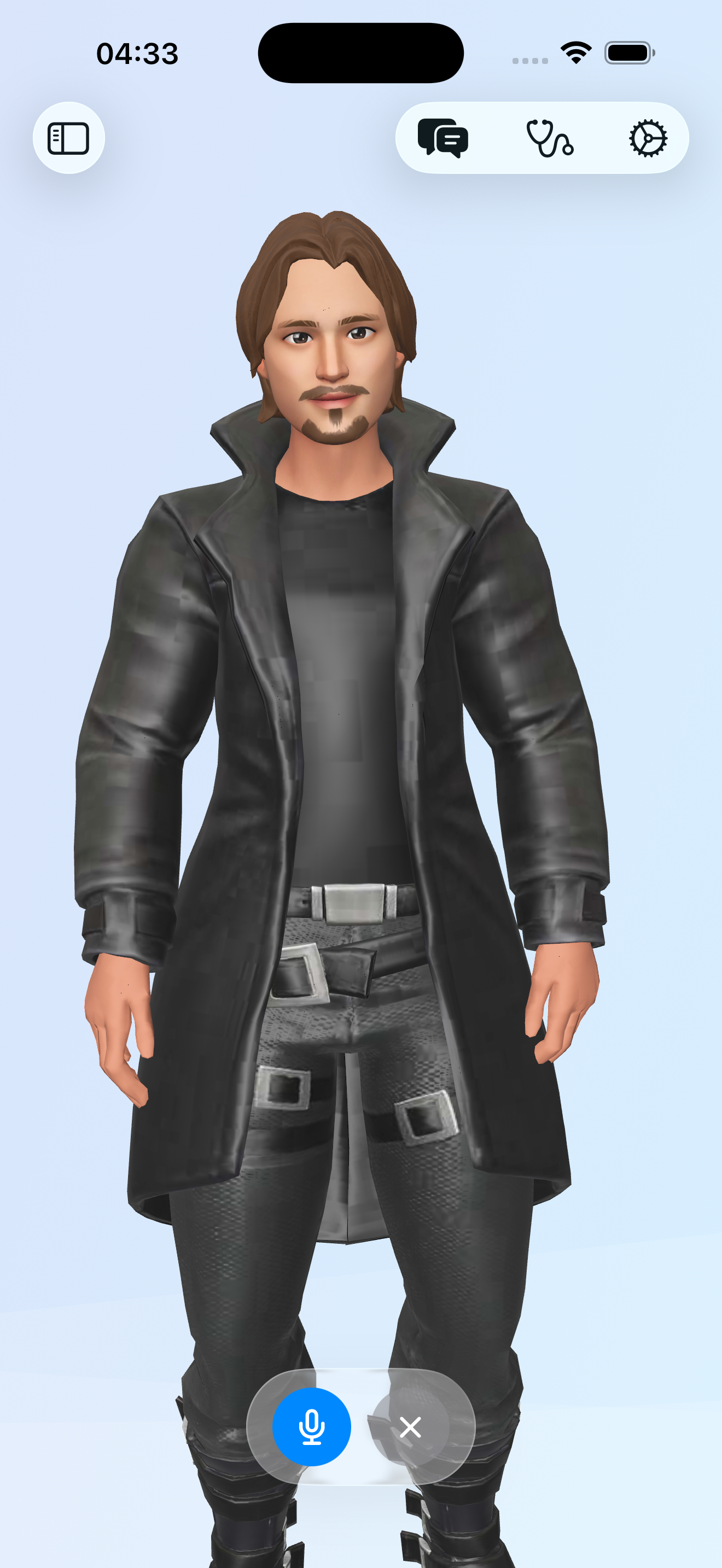
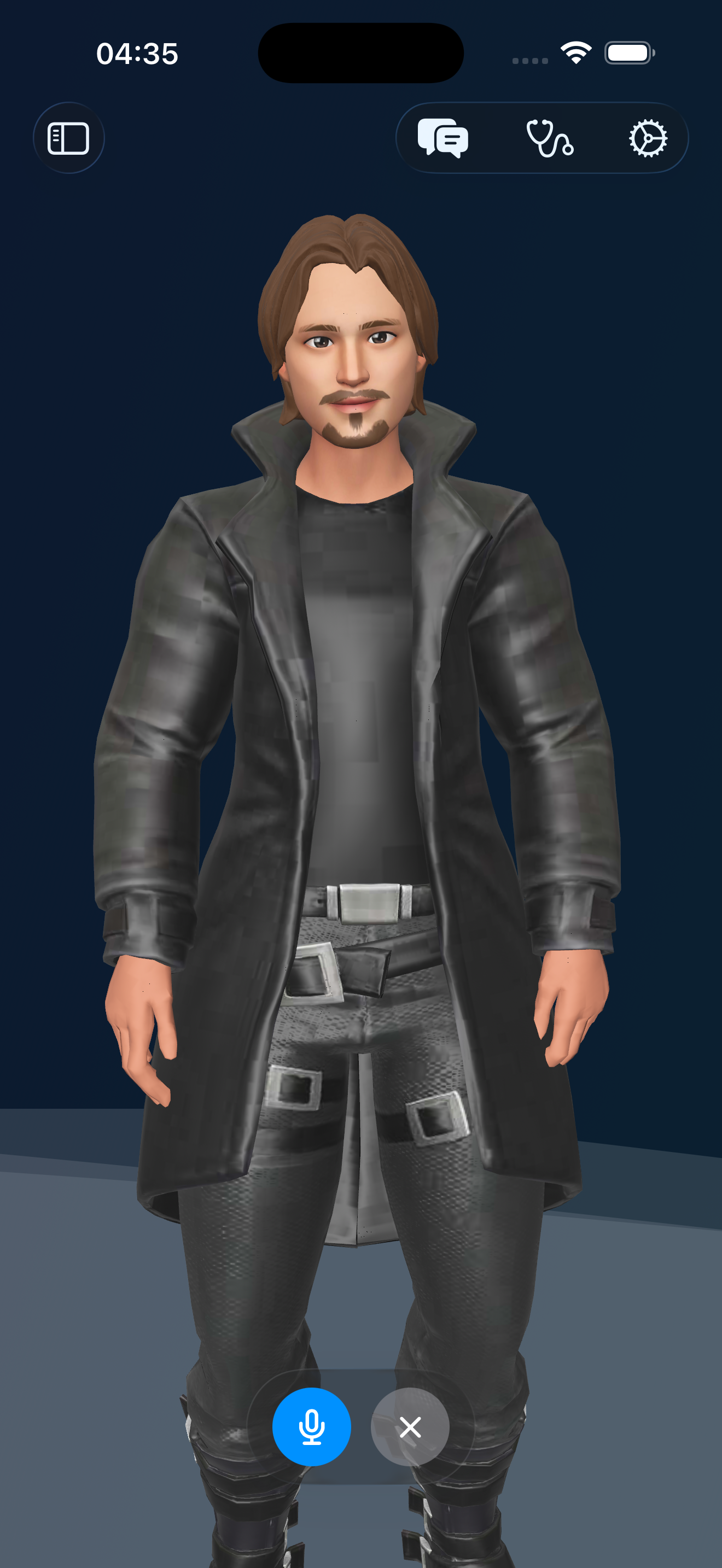
RealityKit avatars with lip-sync and animations (3 today, more coming).
Models
Choose where your model runs (local or cloud) — and switch anytime.
macOS default: Ollama
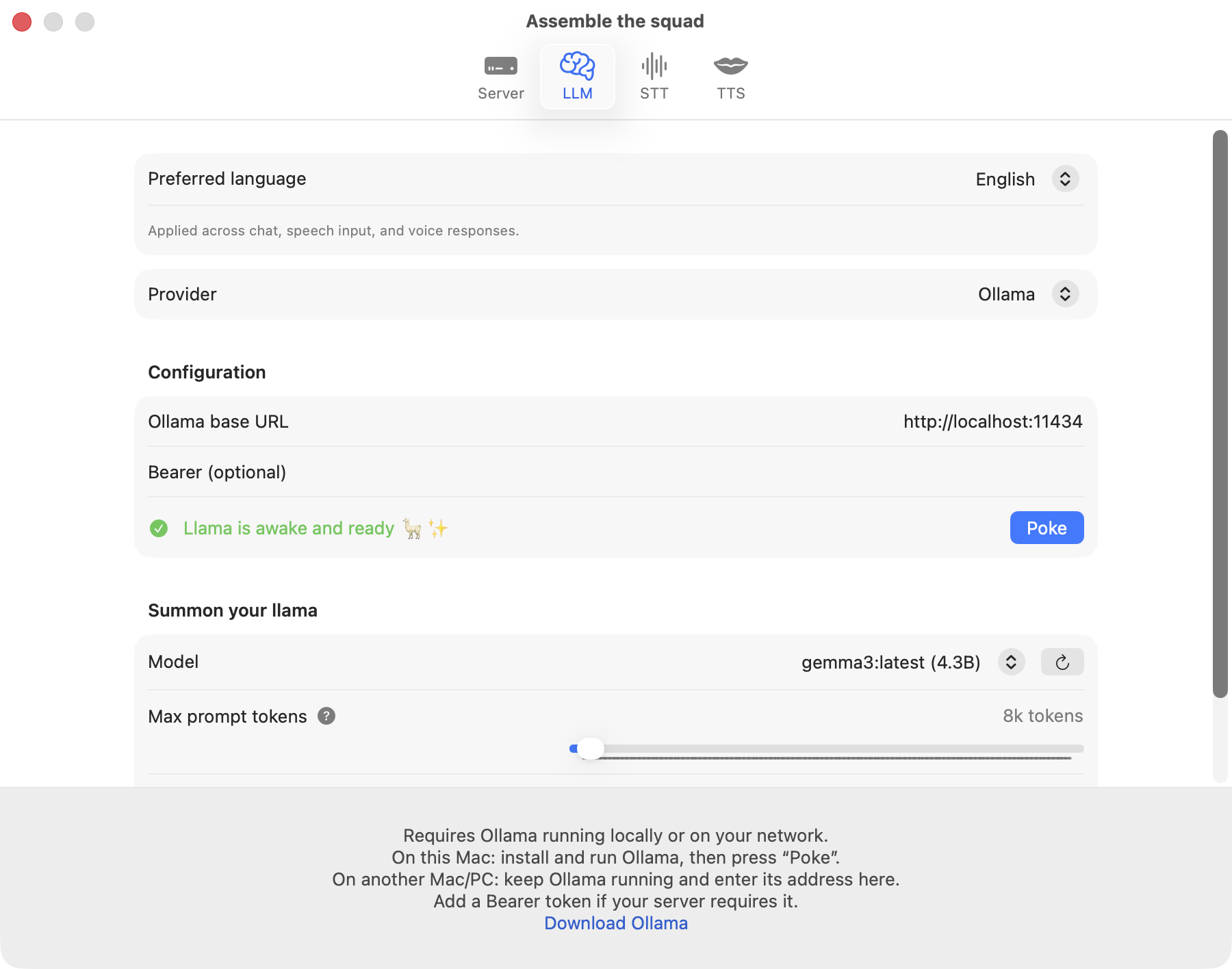
Valdis runs Ollama on your Mac by default — your Mac becomes the inference box for your iPhone.
iOS default: your Mac
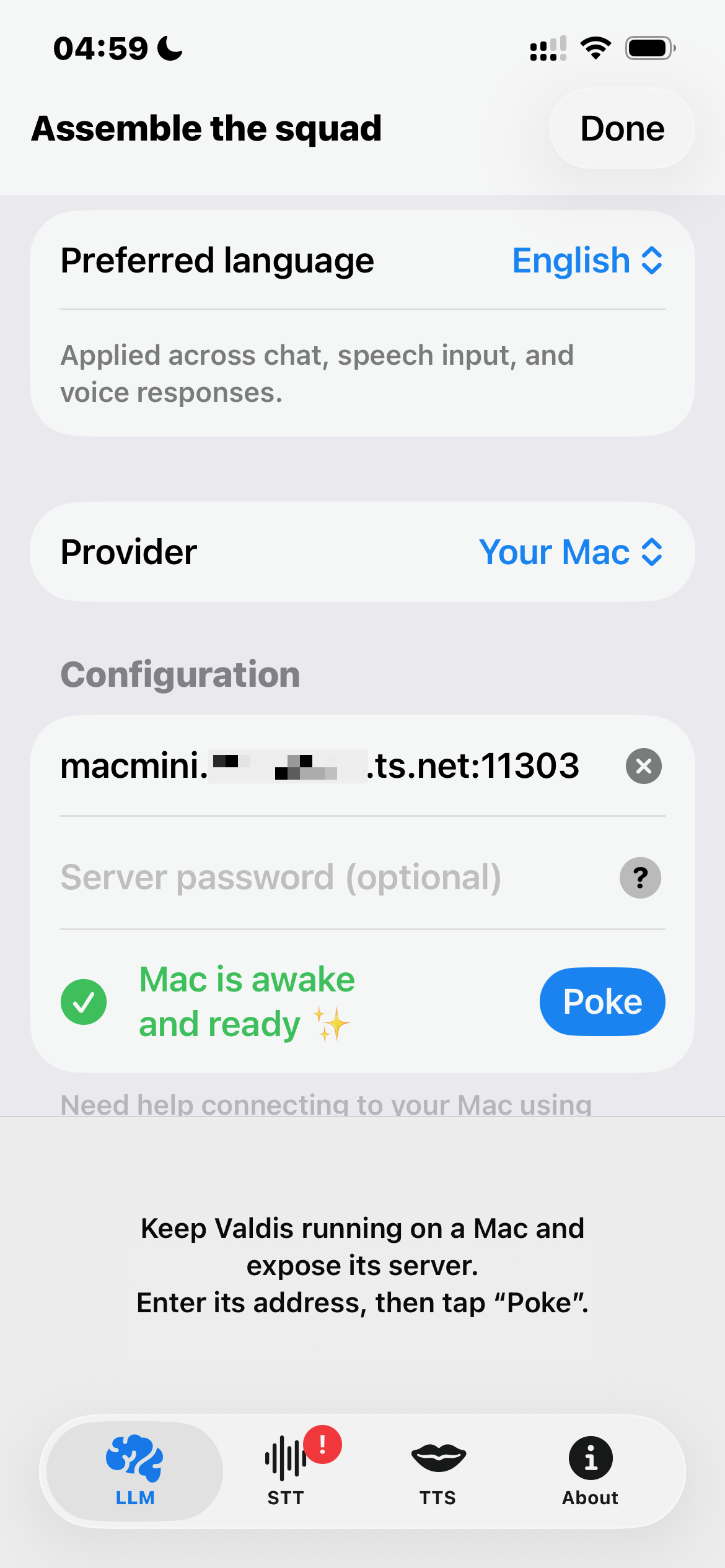
On iPhone, Valdis connects to the Valdis Mac app (built-in WebSocket server) and reuses the same provider settings — via Tailscale, VPN, or your local network.
LM Studio
Run local models in LM Studio and connect through its local server endpoint.
Cloud providers
OpenAI, Grok, OpenRouter, DeepSeek, and Claude are available only in the direct macOS build. Cloud providers are disabled in the App Store builds for macOS and iOS. On iPhone, use the “Your Mac” provider to access them through your Mac running the direct macOS build.
Apple Foundation Models
Still taming the Apple llama — on-device LLM on Mac and iPhone via Apple Foundation Models (on iOS, this is currently the only true on-device option; requires Apple Intelligence).
Sync & Memory
Your conversations follow you across devices — without iCloud.
Real-time iPhone & Mac sync
Live conversation sync to your Mac via its built-in WebSocket server — over Tailscale, VPN, or the same network. No iCloud required.
Conversation memory
Rolling summaries + chat context so you get continuity without huge prompts.
Core & Privacy
Native Swift, local-first by default, and privacy-first.
Local-first by default
Your data stays on your devices by default — the app works even when you’re offline.
Privacy-first
Nothing leaves your devices unless you explicitly enable a cloud provider in the direct macOS build. Cloud providers are disabled in the App Store builds for macOS and iOS. Zero telemetry.
Native Swift app
Built natively for macOS and iOS — no Electron, no fake web UI.
Tight Apple integration
Uses Apple-native building blocks like RealityKit (3D avatars) and Apple Foundation Models for a truly integrated experience.
Same UX on macOS + iOS
Shared UI patterns and shared state — consistent across devices.
Gallery
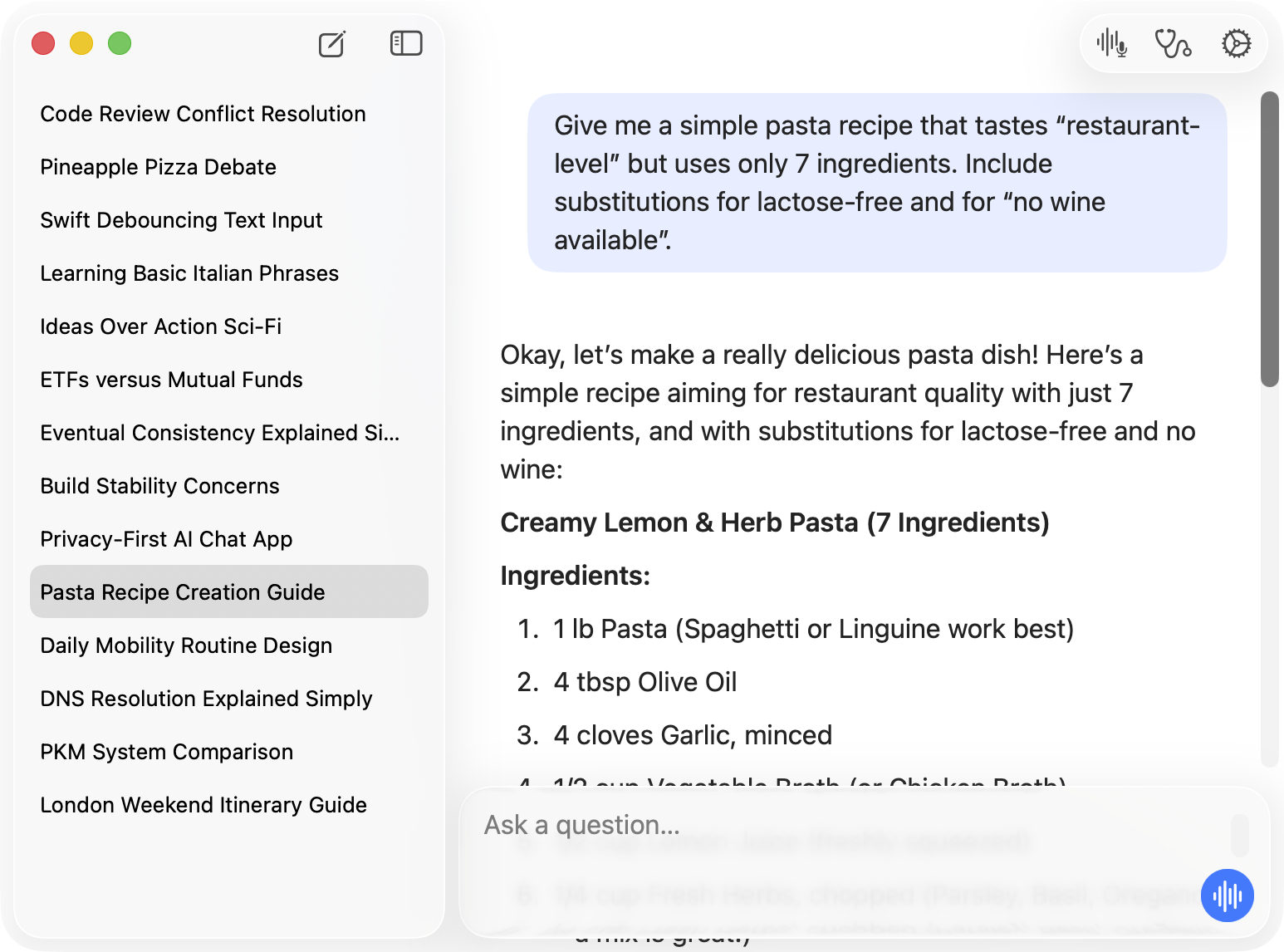
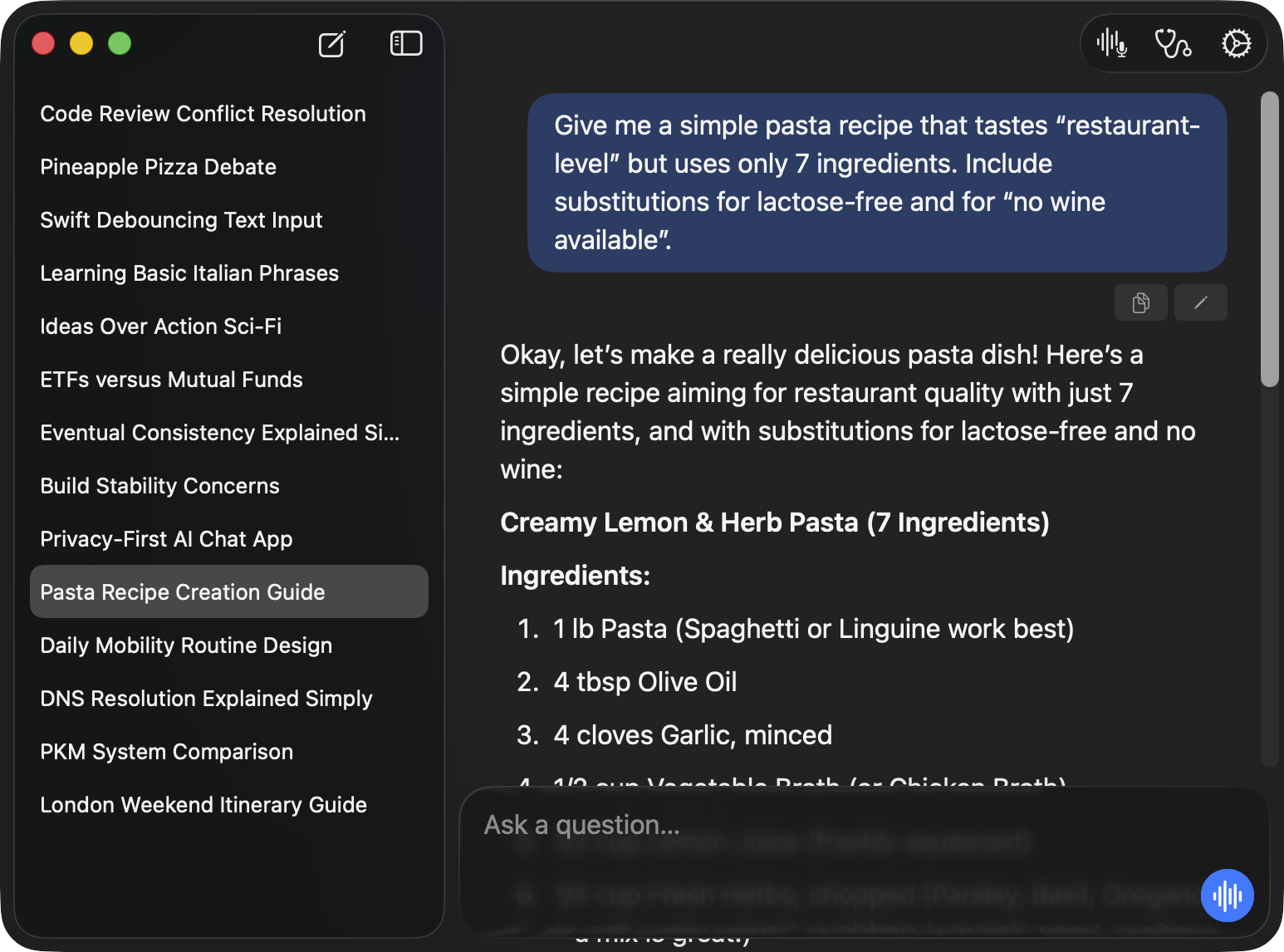
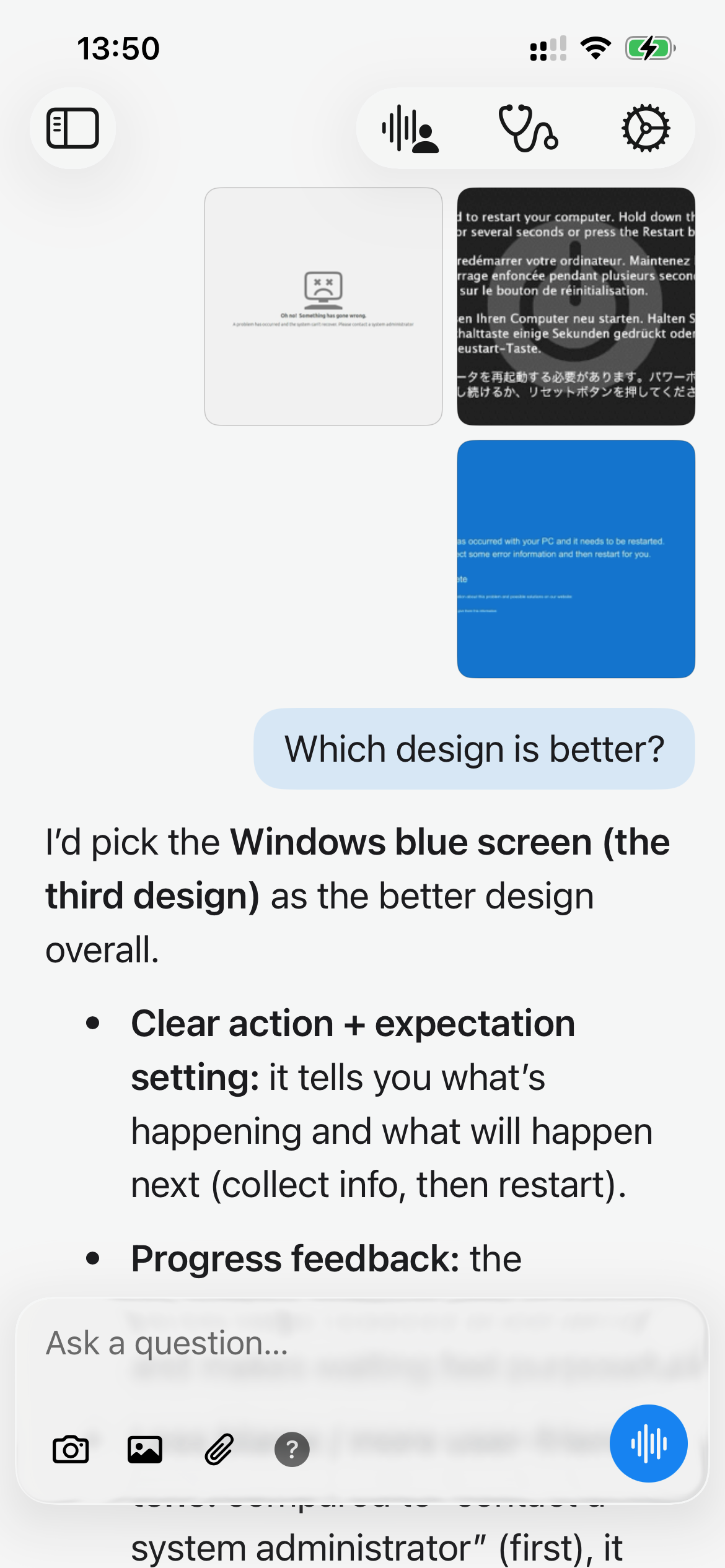
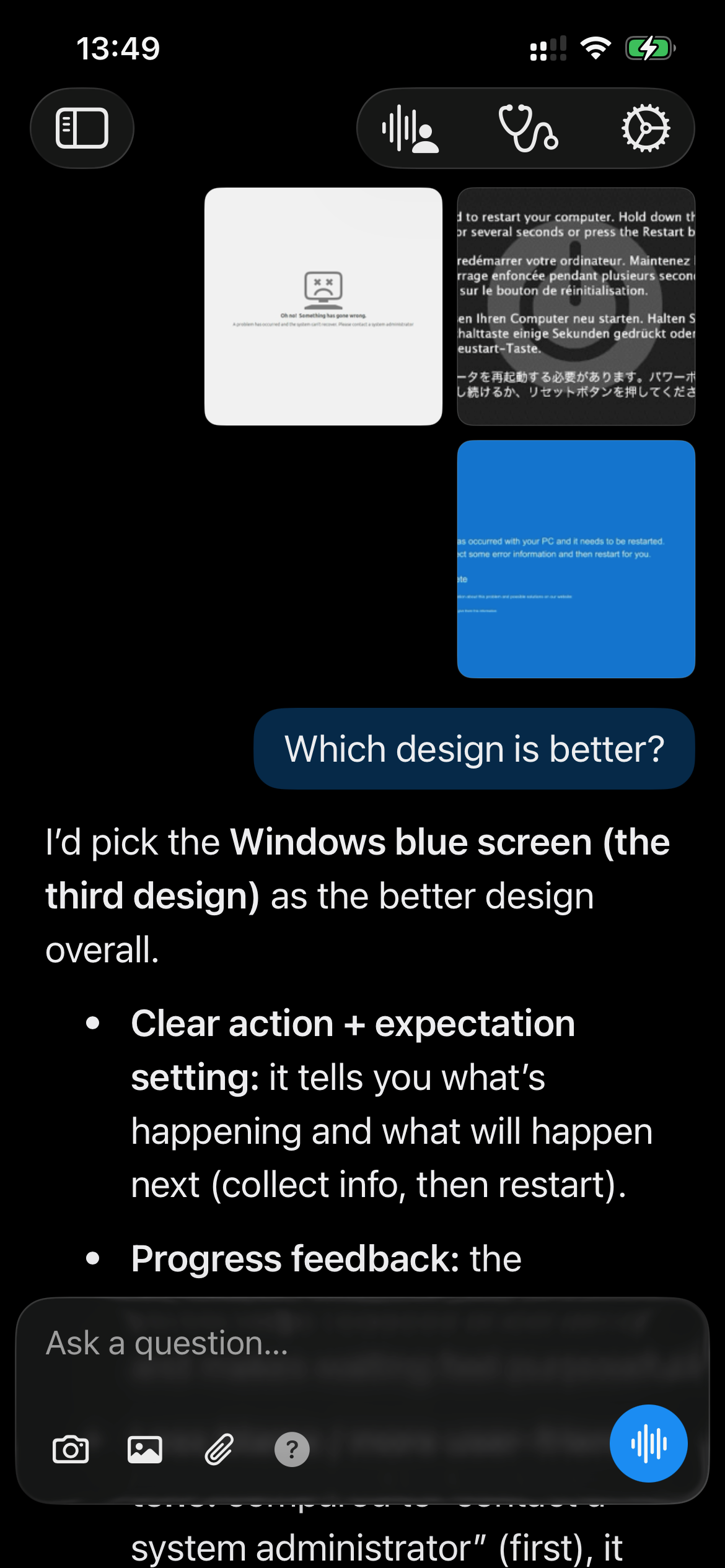
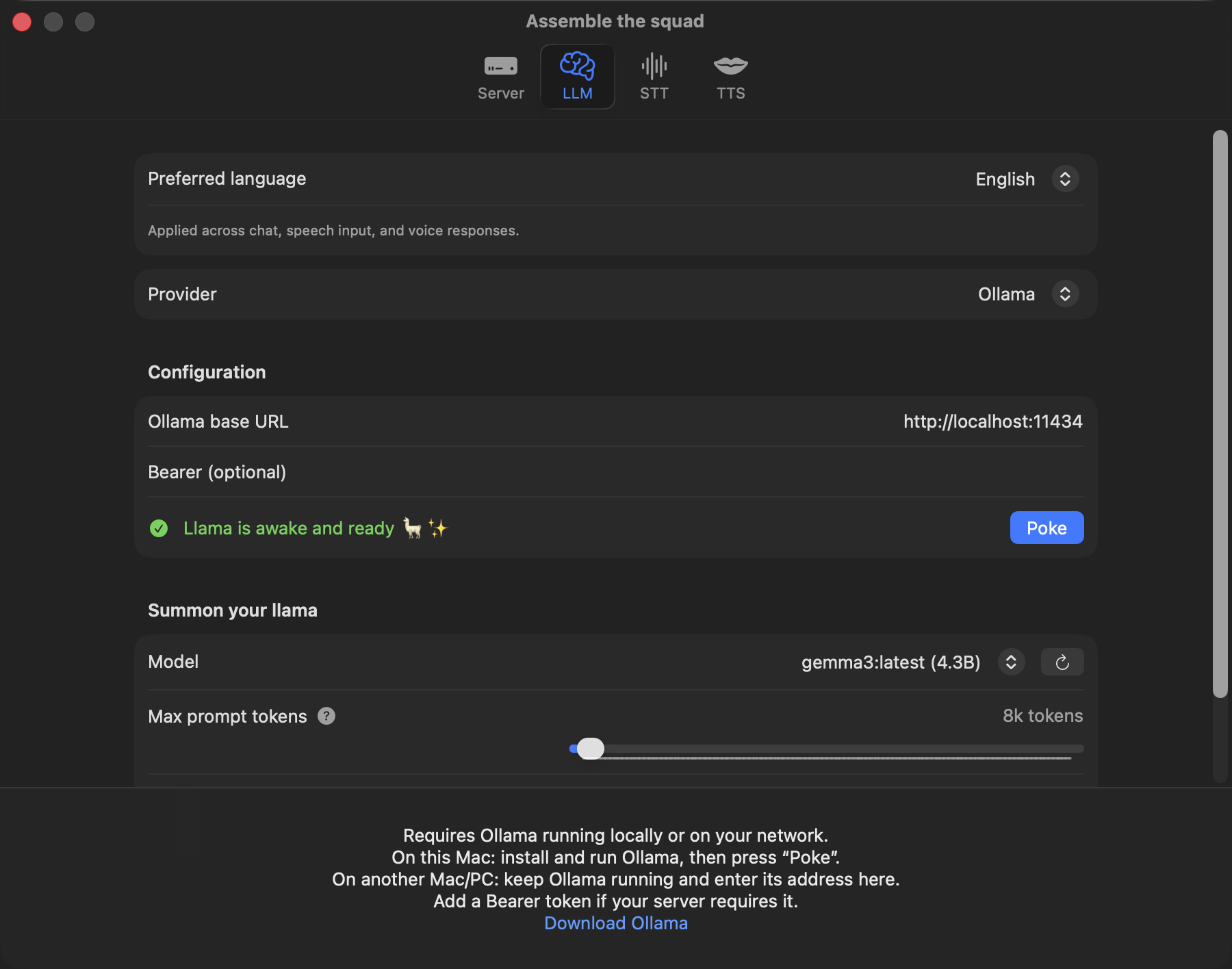
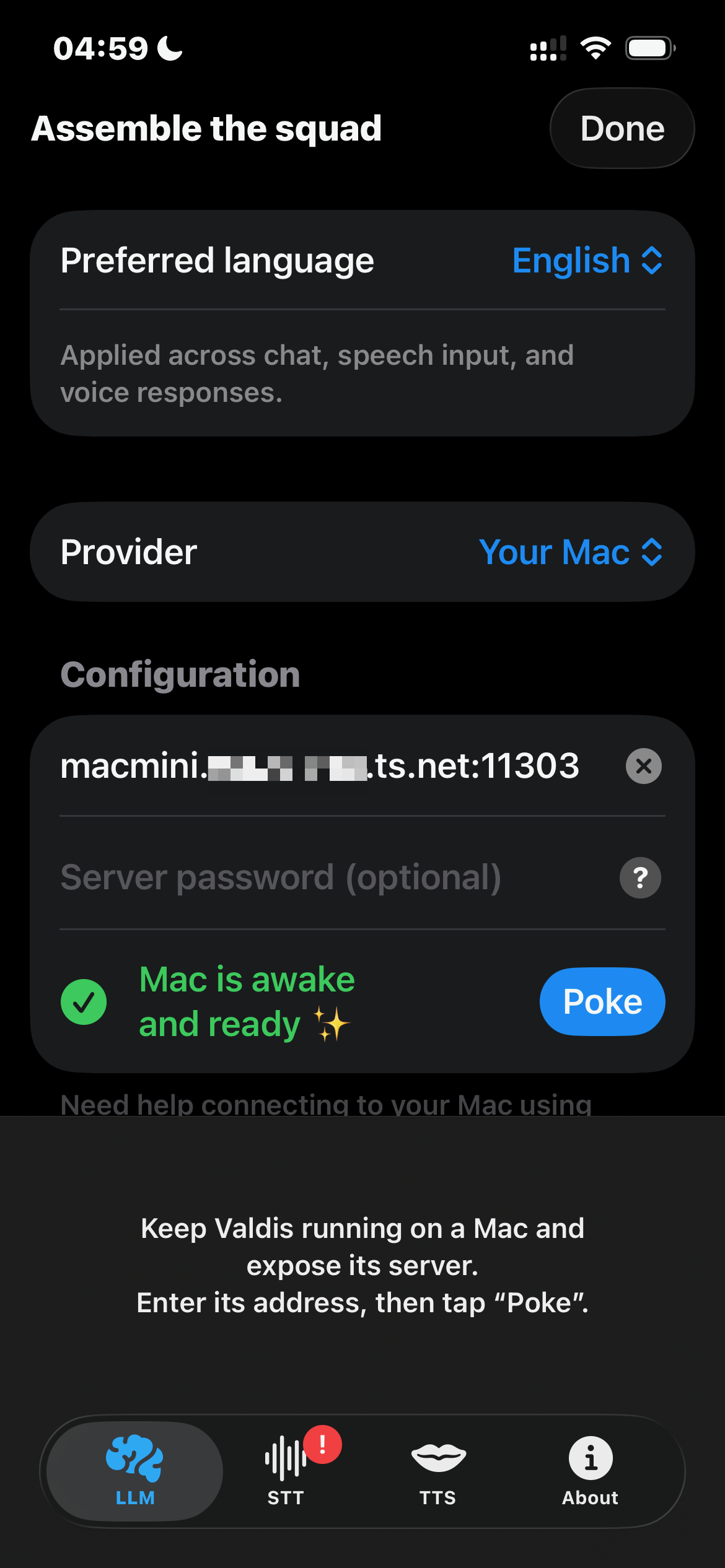
Native UI. One codebase.
Same SwiftUI across macOS and iOS — fully synced, zero WebViews.
RealityKit powers the avatars.
Download. Support if it helps.
Valdis is free — no paywall, no telemetry. If it helps, you can toss a tip in the jar.
Free
DownloadAll features included.
- Walk & Talk — voice chat with spoken replies.
- Nearby-aware replies — ask what's interesting around you based on your location, date, and time.
- Image input — camera, Photos, files, paste, and drag-and-drop.
- 3D avatars — RealityKit, lip-sync, animations.
- Sync & Memory — real-time iPhone↔Mac sync + continuity.
- Mac host mode — your Mac powers iPhone inference.
- Apple Foundation Models + local Ollama or LM Studio on Mac.
- Cloud models — BYO key, if you choose to use it.
- Zero telemetry — no analytics, no crash reporting.
Support
Tip jarSame app as Free. No extra features. Just support.
Includes
- Same app as Free
- Extra karma
- Warm fuzzy feeling
- You helped keep Valdis alive
Keep the llama fed — and the builds green 🙌